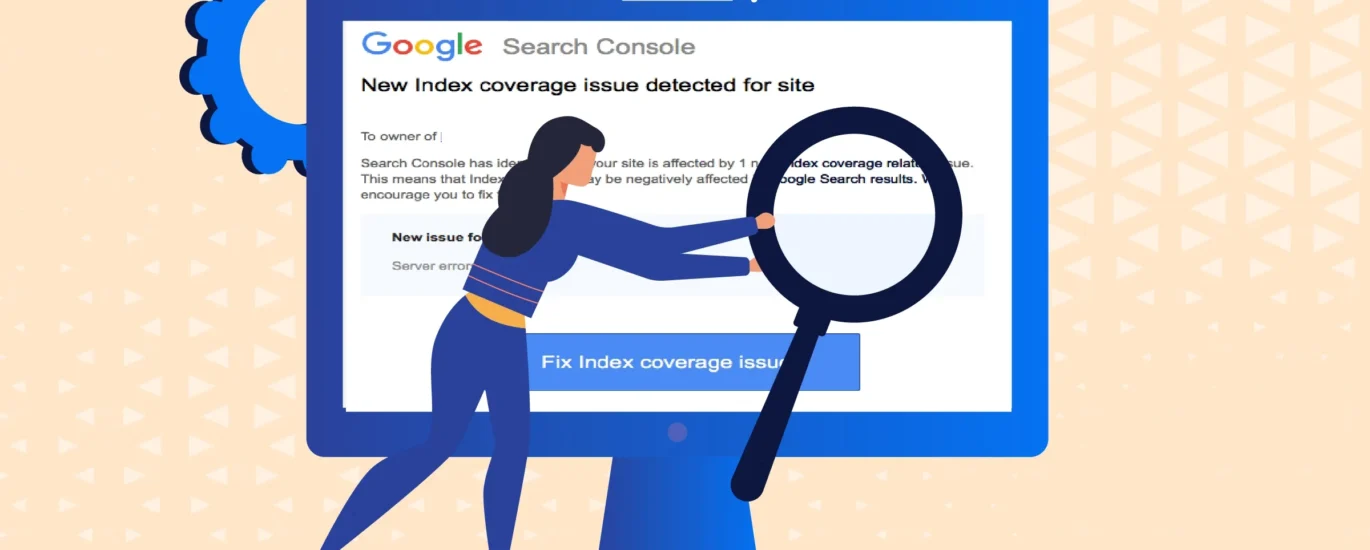
Google Search Console (GSC) is a vital tool to monitor your website’s presence in search results. However, indexing errors can prevent your pages from appearing in Google Search. This guide explains how to fix Google indexing errors with simple steps and examples.
1. Identify Indexing Errors in Google Search Console
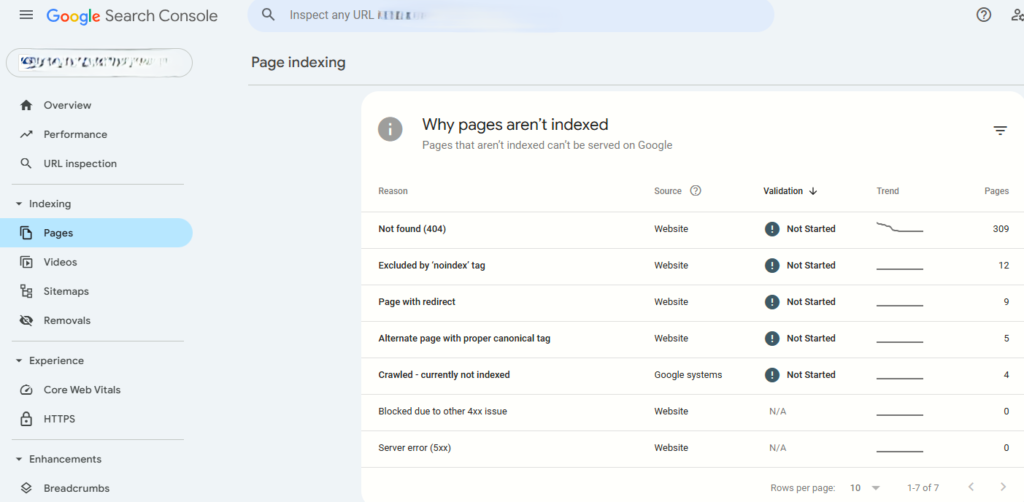
Start by logging into Google Search Console. Navigate to the “Coverage” report under the “Indexing” section. Here, you’ll see four categories:
- Error: Pages Google couldn’t index.
- Valid with warnings: Indexed pages with issues.
- Valid: Successfully indexed pages.
- Excluded: Pages intentionally blocked.
Example: If 10 pages show “Submitted URL not found (404)”, those URLs are broken and need fixing.
2. Fix Google Indexing Errors Caused by Crawl Issues
Crawl errors occur when Googlebot can’t access your page. Common issues include 404 errors or server problems.
Step-by-Step Fix:
- Find the error: Check the “Coverage” report for URLs marked “Error”.
- Fix the URL:
- If the page was moved, set up a 301 redirect to the new URL.
- If the page is deleted, ensure internal links no longer point to it.
- Validate the fix: Click “Validate” in GSC after resolving the issue.
Example: Your blog post URL changed from yourwebsite.com/blog/old-post to yourwebsite.com/blog/new-post. Redirect the old URL to avoid a 404 error.
3. Fix Google Indexing Errors Due to Blocked Resources
Googlebot needs access to JavaScript, CSS, and images to render pages. If these are blocked, indexing fails.
How to Unblock Resources:
- Open the robots.txt tester in GSC.
- Check if resources are blocked by lines like
Disallow: /css/orDisallow: /js/. - Update your robots.txt file to allow access.
Example: If your CSS file is blocked, Google might not display your page correctly. Changing Disallow: /css/ to Allow: /css/ solves this.
4. Fix Google Indexing Errors from Duplicate Content
Duplicate content confuses Google, leading to indexing issues. Use canonical tags to specify the “main” version of a page.
Steps to Resolve Duplicates:
- Add a canonical tag in the HTML header:
- Use GSC’s URL Inspection Tool to check if Google recognizes the canonical.
Example: An e-commerce site has product pages for “blue-widget” and “blue-widget?color=123”. Set the canonical tag to the first URL to avoid duplication.
5. Fix Google Indexing Errors from Server Problems
Server errors (5xx) occur when your site is down or overloaded.
How to Resolve Server Errors:
- Use tools like UptimeRobot to monitor server uptime.
- Contact your hosting provider if crashes persist.
- Reduce server load by optimizing images or upgrading your hosting plan.
Example: A sudden traffic spike crashes your site. Upgrade to a dedicated server or enable a CDN to handle traffic.
6. Use the URL Inspection Tool to Request Indexing
After fixing errors, manually request indexing:
- Enter the URL in GSC’s URL Inspection Tool.
- Click “Request Indexing”.
- Google will recrawl the page within a few days.
7. Best Practices to Prevent Future Indexing Errors
- Submit an updated sitemap in GSC.
- Avoid complex JavaScript that Googlebot can’t execute.
- Ensure your site is mobile-friendly.
- Fix broken links regularly with tools like Screaming Frog.
Conclusion
Learning how to fix Google indexing errors ensures your content reaches your audience. Use Google Search Console’s tools to identify and resolve issues quickly. Regular audits and testing keep your site healthy and visible in search results. By following these steps, you’ll minimize indexing errors and improve your site’s search performance. Contact the best SEO expert in India for more help.