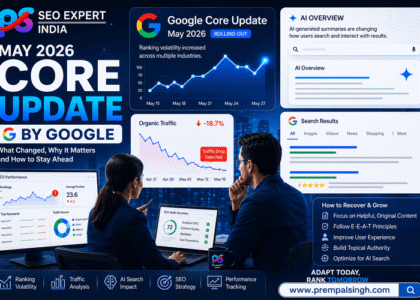

The world of digital marketing is vast and constantly evolving. Nowadays, Search Engine Optimisation (SEO) is an integral part of any online marketing strategy, and dealing with it using the right equipment is necessary. SEO specialists have adopted Best SEO Chrome Extensions as essential tools that enable them to work more efficiently and obtain fresh information. Here is a detailed SEO guide on what Chrome extensions will be helpful in 2026.
Updated List of The Best SEO Chrome Extensions To Use in 2026 For Growth
1. Ahrefs SEO Toolbar
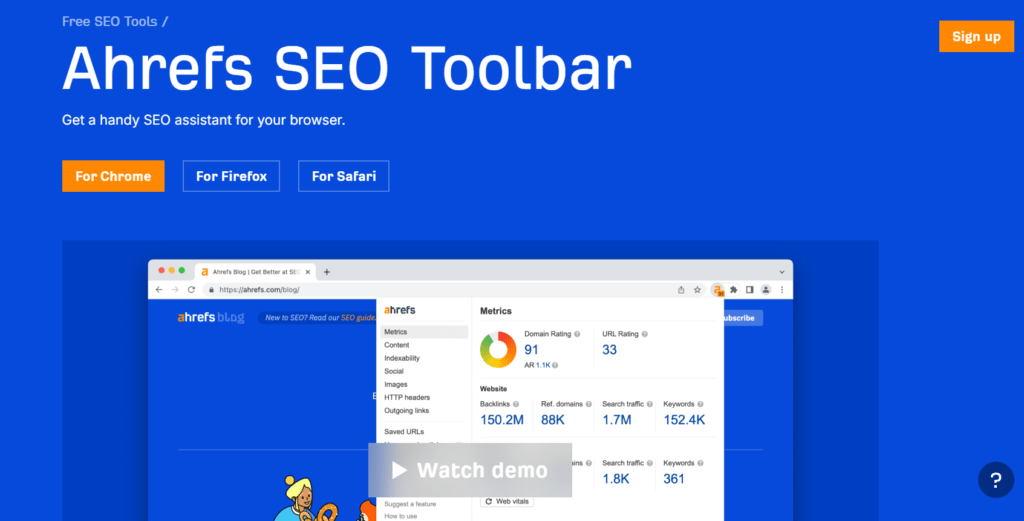
The Ahrefs SEO Toolbar is one of the fastest and most powerful Chrome extensions natively created by the Ahrefs team, well-known for its multiple SEO features, which can provide you with on-click SEO insights.
Key Features:
· Shows critical metrics such as domain rating or DR, the URL of the web page or the backlink profiles.
· Indicates values referred to as Keyword Difficulty, Search Volume, and Traffic Estimate concerning the queries.
· Immediately indicates broken links on the pages for efficient viewing.
· It is an overall overview of a website’s Search Engine Optimisation condition, results, and tendencies.
Use Case:
Great for analysing competitors, finding link prospects, and assessing site domain authority. The Ahrefs SEO Toolbar underpins SEO analysis and makes decisions more informed for marketers and SEO experts.
2. Keywords Everywhere
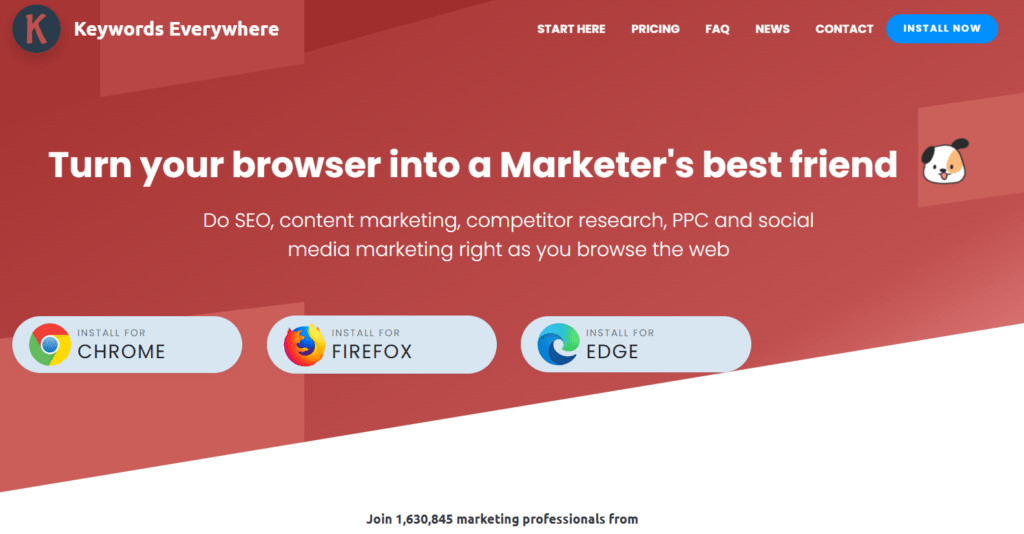
Keywords Everywhere is one of the Best SEO Chrome Extensions that provides the essential data right on SERPs.
Key Features:
· Shows immediate search traffic, cost per click CPC) and competition for specific keywords.
· Provides related keywords and long tail keywords to bring out better SEO plans for any site.
· Offers trend data to enable users conduct follow-ups of search terms as well as their popularity over a specific period of time.
Use Case:
For the content developers and PPC marketers, Keywords Everywhere proves proficient in determining the potential keywords to enrich the content or PPC marketing strategies. It is a splendid keyword research tool for effective and relevant keywords because of its real-time information.
3. MozBar
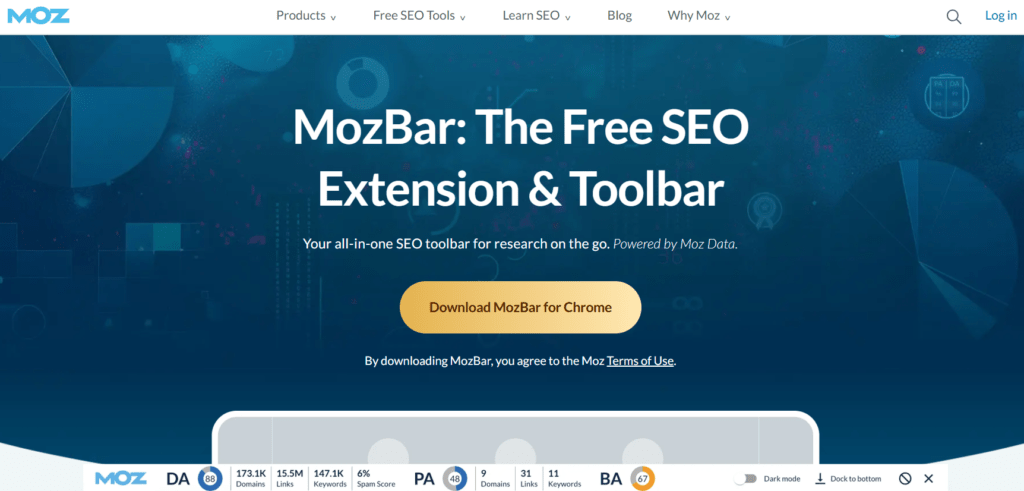
MozBar is one of the most practical Chrome extensions that help to get specific SEO stats for any website and offers valuable insights right from your browser.
Key Features:
· Shows domain authority and page authority for the analysis of the website.
· They also offer both do-follow and no-follow links with link juice interconnection analysis.
· It provides keyword competitiveness through keyword difficulty scores and SERP analysis.
Use Case:
MozBar is an excellent Chrome extension for its quick SEO audits and competitor analysis. It enables the marketer to assess a site’s authority, examines link profile and maximises content for better search results, making it the most wanted tool for SEO professionals.
4. SEO Minion
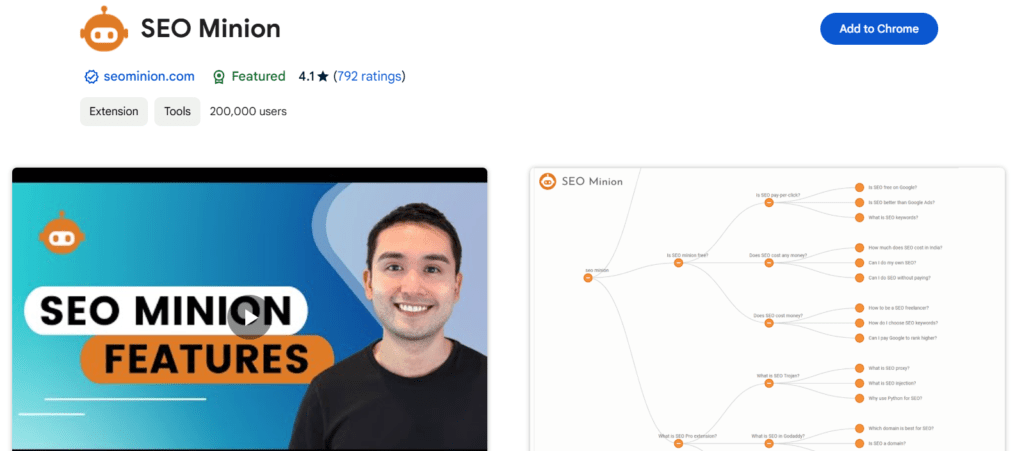
SEO Minion is a fast and multi-functional Chrome extension aimed at providing an immediate on-page SEO audit and troubleshooting. The tool is easy to use, and it’s packed with so many functions that any webmaster will be glad to have it for sorting out their website’s issues.
Key Features:
· It outlines all the internal and external links embedded in a webpage and analyses the linking structure of your site.
· It can also be used for checking broken links or the links that require redirection, thus clients can easily see problems associated with links.
· Solves the meta tags, headers, and the alt attributes problems by analysing the on-page SEO elements.
· It stimulates the SERP previews of titles and descriptions so that you can view the best ways that your web pages can be presented on SERP.
Use Case:
SEO Minion is an indispensable tool for recognising and resolving the on-page SEO issues. For example, when you are auditing a webpage, the tool points out the necessary meta tags that may be missing or even duplicated ones, as well as the broken links that can have negative implications for the users and search engines alike. It also makes sure that your SERP titles and descriptions are within the character limit and visually appealing.
5. Ubersuggest:
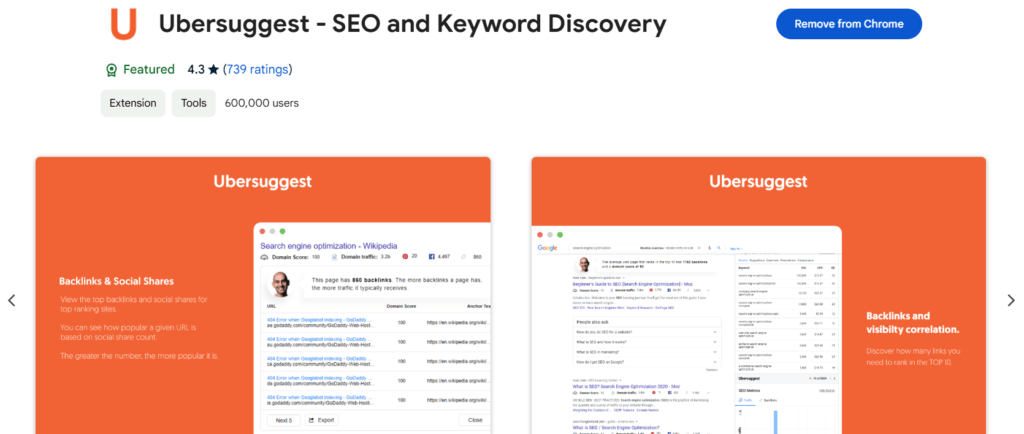
Ubersuggest is a robust Chrome extension developed by Neil Patel to simplify SEO research and analysis. Ubersuggest is known for its user-friendly design and powerful features, which offer backlink analysis, rank tracking, and content suggestions, all from the convenience of your browser, making it an excellent choice for marketers.
Key Features:
· Offers keyword statistics, including the search volume, CPC (cost-per-click), and SEO competitiveness directly within the SERPs of Google.
· Offers you directly related keywords and some content ideas to extend the list of your keywords and reveal some more opportunities.
· Provides backlink information, such as the referring domain to help determine the credibility of any site.
· Illustrates traffic estimates and can be used to determine the effectiveness of the competitors or your own website.
Use Case:
Ubersuggest is a great tool for discovering keywords and analysing the content of both your site and your competitors. For example, it allows content writers to find keywords with high traffic but low competition for organic clicks. It is also beneficial if you need to monitor its quantitative characteristics: website traffic and backlinks to assess your previous activities.
6. SimilarWeb:
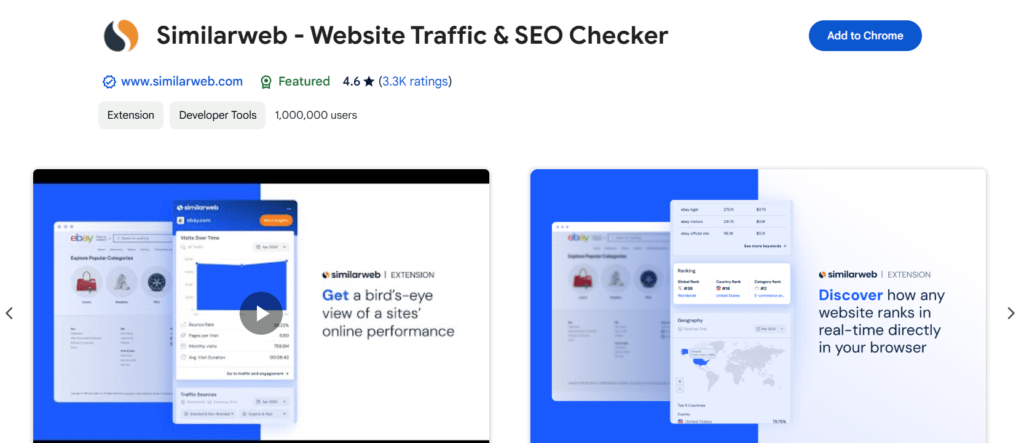
Website traffic analysis tool, SimilarWeb, is a popular Chrome extension that offers customers a closer look at the traffic of any website. For anyone seeking to improve marketing on the web, SimilarWeb provides all of the information you need to improve your digital marketing strategy or analyse your competition.
Key Features:
· Shows the traffic volume of the site, including monthly visits, bounce rate and average visit duration, providing a clear picture of the website’s performance.
· Divides traffic sources into the organic search, direct traffic, referrals, social media and paid search.
· Provides geographic data to determine the leading countries that a site attracts.
· Offers information on referral websites and the top-performing pages, which will tell you which sites and what pages contribute to the success of another website.
Use Case:
SimilarWeb is a perfect tool for competitive analysis, traffic comparison, and strategy refinement. For example, when entering a new market, it is able to define major competitors and their traffic sources. It also shows where your competitors get their traffic from, thus displaying referral opportunities to your business.
7. GrowthBar:
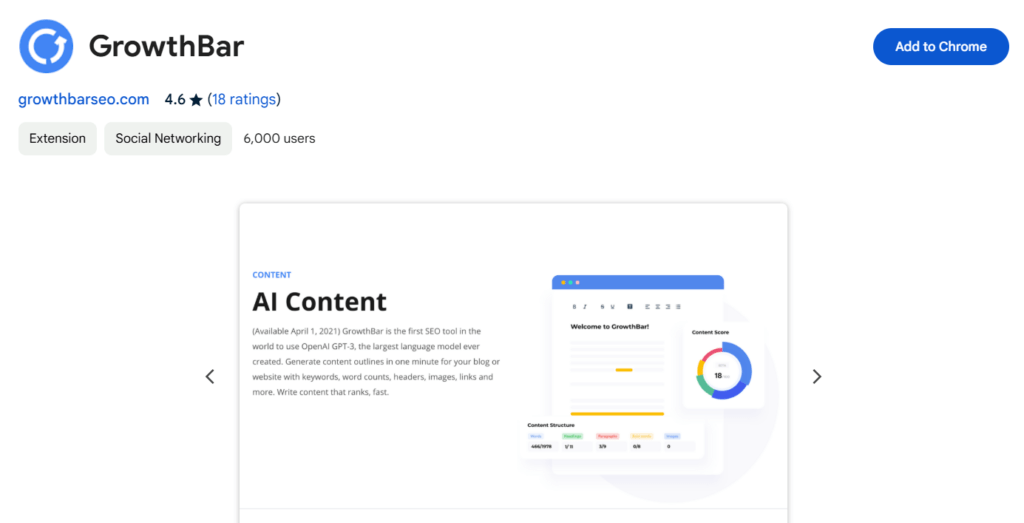
GrowthBar is an intuitive Chrome extension for online marketers and SEOs who want the best strategies to improve their site productivity. GrowthBar’s sleek interface and powerful performance make it an indispensable tool for keyword research, competitor study, and content enhancement.
Key Features:
· Shows the keyword’s search volume, competition analysis and CPC (cost-per-click) directly on the SERPs to identify the profitable keywords.
· Helps in understanding the strategies of competitors, such as the domain, organic traffic and backlink referring domains.
· Helps in planning the content, based on target keywords, hence reducing the time used in content planning.
· Helps to track the keyword positions over time to check the effectiveness of SEO.
· Helps to work out SEO-friendly content ideas and outlines with the help of AI in no time.
Use Case:
GrowthBar is perfect for bloggers, SEO specialists, and other small businesses who need a set of tools in one place. For example, using GrowthBar, a content marketer can explore the potential keywords, analyse competitors’ blogs, and plan a thorough content strategy all in one place.
8. PageImprove:
PageImprove is a unique Chrome extension of Semrush, which enables users to modify the on-page SEO of a website in real time, even without direct access to the website’s backend.
Key Features:
· It can edit content, meta tags, and headers directly from the browser.
· By using detailed performance metrics, PageImprove monitors the changes.
· Make changes to the site immediately to update it, enhance its ranking and deliver an enhanced user experience.
Use Case:
Perfect for marketers and SEO professionals who want to change website content quickly for SEO, PageImprove offers the opportunity to do it faster and more effectively. It rises to become one of the tools that makes a huge difference for the agile SEO strategies.
9. SEO Minion:
SEO Minion is quite a flexible extension made for Chrome, which helps with on-page SEO tasks and diagnostics.
Key Features:
· It makes it easier to review internal as well as external links for enhancing knowledge of link structures.
· Detects errors on URLs connections on a website and fixes them to avoid a bounce-back effect.
· Examines meta tags, headers, and the use of alt attributes as important on-page factors.
· Akin to how SERP looks in format, it helps in optimising the title and description tags for improving search engine visibility.
Use Case:
SEO Minion offers itself as the perfect tool to begin with if you want to discover and correct on-page problems as soon as possible. Because of its clear user-centred design, it can be classified as an absolutely necessary tool for SEO specialists and website owners.
10. Keyword Surfer:
Keyword Surfer is a Chrome extension that gives keyword data right in Google SERPs without any need to leave the page.
Key Features:
· Shows search volume, cost per click or CPC, and suggested keywords for search.
· Depicts relevant keywords and related data for extending the SEO strategy.
· Provides content analysis and estimated traffic of the content of top-ranked pages.
Use Case:
Ideal for SEO beginners and for professionals, Keyword Surfer can be used to find possible and prospective keywords for article creation and for PPC campaigns. Its simplicity and constant updates make it indispensable when it comes to effective keyword research.
11. Hunter:
Hunter is a Chrome app that allows you to search and confirm the email addresses pertaining to any website, thus making the outreach process for SEO and networking much easier.
Key Features:
· Efficient at identifying the professional email addresses of any website.
· Checks for filters to validate email addresses so that the bounce rates are lowered as a result.
· Shows contact information and other organisational roles directly in the browser.
· Links with various CRMs for outreach management.
Use Case:
Hunter is perfect for link-building drives, public relations, and networking with industry professionals. By affording better and more accurate email addresses, it saves time and enhances the outcomes of the strategies.
12. BuzzSumo
BuzzSumo is a Chrome extension for content marketers and SEO specialists to discover high-performing content and monitor engagement metrics..
Key Features:
• Find out which content is most popular in specific social networks.
• Gives activity statistics including likes, shares and comments for content.
• Highlights top-performing keywords and trending topics.
• Identifies influencers in specific niches for outreach opportunities.
Use Case:
BuzzSumo is great for creating content plans, analysing your competitors’ performance, and identifying influencers in your niche to engage with. As a result, SEO professionals consider it an essential model for enhancing content exposure and interaction on social networks.
13. Meta SEO Inspector:
Meta SEO Inspector is a Chrome extension that allows reviewing a webpage’s metadata and technical aspects of SEO optimisation.
Key Features:
• Lists meta tags, canonical links and structured data.
• Shows the missing or duplicate metadata for optimisation.
• Checks the open graph tags and the schema markup.
Use Case:
Meta SEO Inspector is great for rapid on-page SEO optimisation. This tool makes sure that metadata and titles of the page are appropriate for both search engines and social sharing.
14. PageSpeed Insights:
PageSpeed Insights is a Google tool that is used to analyse the performance of web pages.
Key Features:
• It offers performance scores for both the mobile and desktop versions.
• Emerges as a summary of speed hurdles and advised changes.
• Gives practical suggestions on core web vitals.
Use Case:
PageSpeed Insights is crucial for comparing site speed and general compliance with Google’s ranking signals for enhanced user experience.
15. Redirect Path:
Redirect Path is a Chrome extension that can be used to interpret HTTP responses and measure URL redirects.
Key Features:
• Recognises redirect chains and loops, 301, 302, 404, 500 errors.
• Explains caching policies and server types in HTTP headers.
• Shows ‘end pages’ and ‘intermediate steps’ for diagnostics.
Use Case:
Redirect Path is perfect for technical SEO analysis of redirect chains to check if redirects are implemented correctly and remain unseen to the user while keeping no negative impact on rankings. It is used in reorganising site structure and handling all issues related to redirects.
16. SEOquake:
SEOquake is a unique and very informative SEO tool that can be integrated into a browser extension for Chrome.
Key Features:
• Provides metrics including domain authority, page authority and Alexa rank.
• Provides an analysis of on-page SEO elements like meta tags, headers, and keyword density.
• Recognises backlinks data and accesses the SERP overlay for a better understanding of the main competitors.
• Brings forth comprehensive SEO audit reports.
Use Case:
SEOquake is best for fast competitor evaluation and site audits. It enables the marketer to view page effectiveness, check on keywords as well as prospective optimisation phases, thereby permitting the marketer to enhance his/her site performance on search rankings, making it a crucial tool in the marketing process.
17. Mangools:
Mangools is a multi-functional Chrome extension that shows SEO data about any website you are interested in and helps to improve your SEO approaches right in the browser.
Key Features:
• Includes an in-depth keyword research with details on keywords, such as search volumes, costs-per-click, and competition.
• Gives keyword difficulty scores and carries out SERP analysis to evaluate a keyword’s level of competition.
• Offers complete reports on backlinks and divides those into do-follow and no-follow backlinks.
• Provides strategic business plans from a comprehensive site audit and market assessment.
Use Case:
Mangools is perfect for quick SEO audits of your websites and competitor analysis. It enables marketers to understand which specific keywords are valuable, analyse backlink data and track ranking positions, thus it is used to ensure contents are optimised for search. In implementing a new SEO strategy or refining an old one, Mangools is the tool that offers the specifics for dominating a saturated online market
18. Ninja Outreach:
Ninja Outreach is a powerful weapon for influencer marketing intended for link building in Chrome extension form, which contains basic tools for a browser.
Key Features:
• Access to the database of numerous influencers and bloggers of different categories.
• Quick information search for contacts when performing outreach.
• Handle the entire outreach process and control all the interactions at the same time.
• Stay organised and rank innovative prospects effectively.
• Create emails quickly and easily using templates that can be personalised according to one’s needs.
Use Case:
Ninja Outreach is ideal for marketers who like to increase their network with influencers and improve their link acquisition. This tool helps in efficient identification of influencers, organisation of campaigns and monitoring of results, making it a fundamental tool for online presence and improvement of SEO.
Conclusion
SEO is a rapidly growing field; using the right tool is the best solution to interact favourably with the new competition. These Best SEO Chrome Extensions are designed to handle every aspect of SEO, from keyword research and on-page optimisation to competitor analysis and ranking. Implementing these tools in your workflow, you can save an enormous amount of time. This can also help you in taking data-driven decisions and also enhance your search engine visibility. From beginners to SEO professionals, these extensions offer you amazing insights for your SEO game.